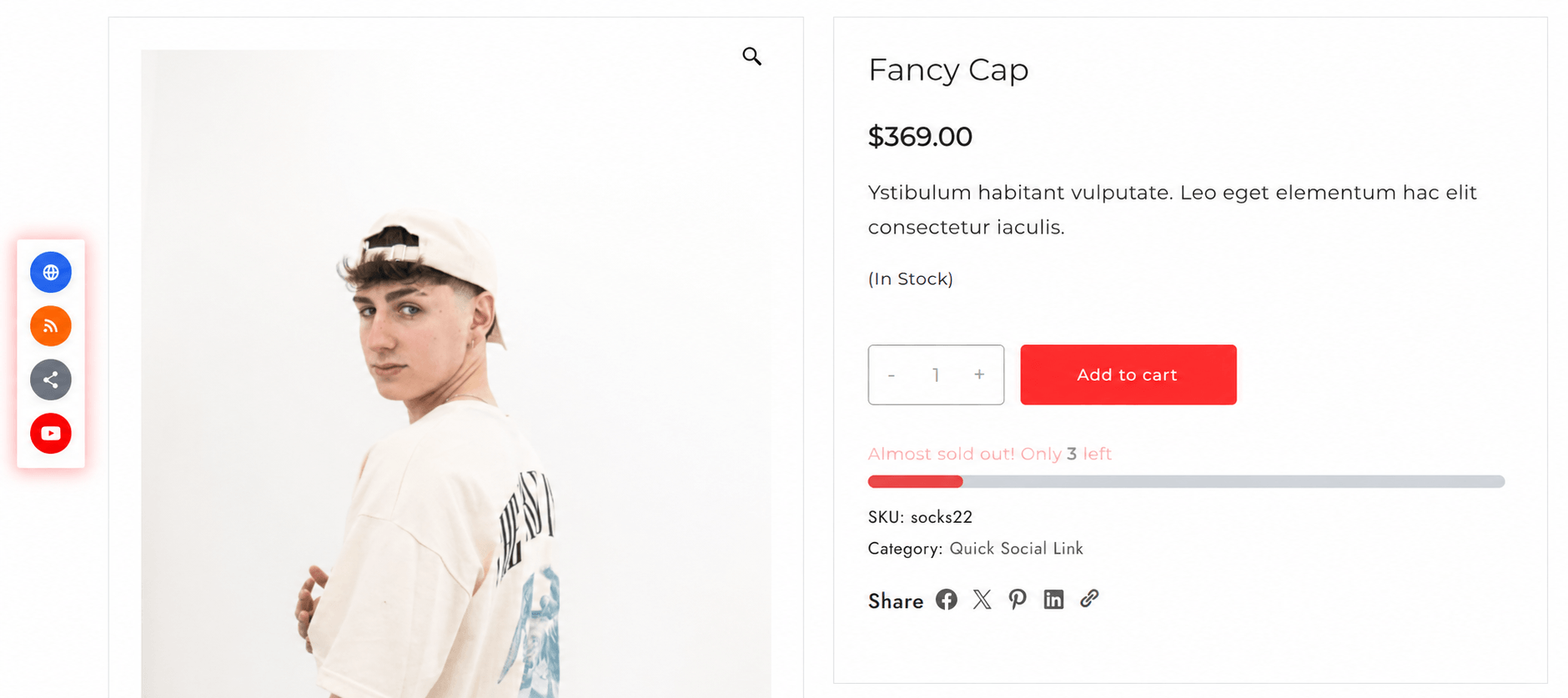
Add floating social, messaging, business, contact, and professional sharing buttons to your product pages. Choose from multiple icon sets and display positions to encourage sharing, improve engagement, and increase product visibility.
Enable one-click sharing via WhatsApp, Telegram, Messenger, and other messaging platforms. Let customers recommend products directly to friends, family, and groups for faster conversions.
Connect your store with business and discovery platforms to improve product exposure. Help customers share recommendations, reviews, and listings where buying decisions happen.
Perfect for B2B stores and professional products. Allow visitors to share products through professional communities and networks, expanding your brand’s credibility and reach.